GPT-6 Models Compared: Luna, Terra, Sol and Astra
The GPT-6 family side by side, from Luna to Astra, with prices, the 400K context, the long-prompt price step over 272K tokens, and how to pick one.
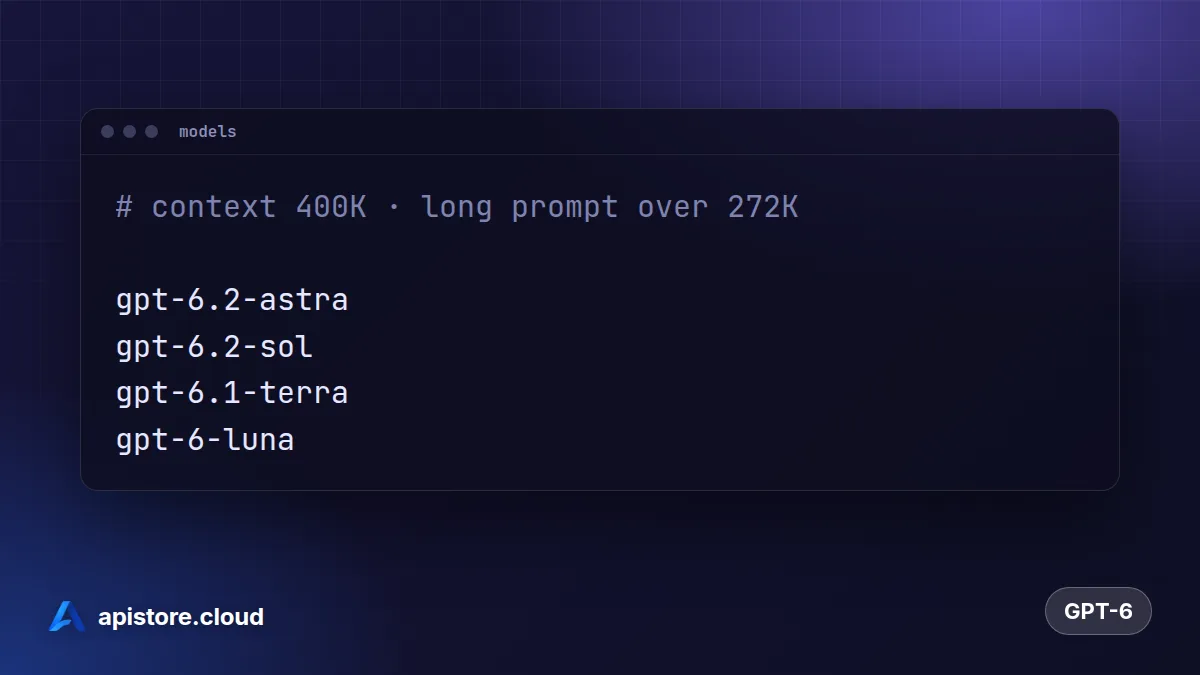
OpenAI's GPT-6 family comes in four tiers, each with its own version number: Luna, Terra, Sol and Astra. They share the Chat Completions API, a 400,000-token context window and up to 128,000 tokens of output, so moving between them is a one-word change. This post compares them and shows the one pricing rule that catches people out.
The four tiers, from lowest price to highest
| Model | Send as | Input | Cached input | Output |
|---|---|---|---|---|
| GPT-6 Luna | gpt-6-luna | $0.07 | $0.007 | $0.35 |
| GPT-6.1 Terra | gpt-6.1-terra | $0.7 | $0.035 | $3.5 |
| GPT-6.2 Sol | gpt-6.2-sol | $1.4 | $0.07 | $7 |
| GPT-6.2 Astra | gpt-6.2-astra | $5.6 | $0.28 | $28 |
Prices are per million tokens, in US$, and update here when they change. The table shows the newest version of each tier. Earlier versions, such as gpt-6-sol, gpt-6-astra, the GPT-5.6 tiers and gpt-5.5, are also on sale, and every one has its own page under Models.
- Luna is the lowest-priced tier, for high volume: tagging, extraction, routing, short answers.
- Terra sits in the middle, for everyday product features where Luna isn't quite enough.
- Sol is the main tier for demanding work: coding, analysis, agents.
- Astra is the top tier, for the hardest tasks where you'll pay more for a better answer.
How to pick
Write ten or twenty real inputs from your product and a note of what a good answer looks like. Then:
- Start with Sol and check the answers.
- Try Terra on the same inputs. If the answers still pass, switch and keep the difference.
- For simple, repeated tasks, try Luna the same way.
- Only move up to Astra for the inputs Sol gets wrong.
Run the inputs in the Playground or with a short script, and read the cost of each request on the Usage page. A newer version of a tier often costs the same as the older one, or less: GPT-6.2 Sol is priced like GPT-6 Sol, with a cheaper cached input.
The long-prompt price step
Every GPT model from GPT-5.5 on has one rule to know. When a request's prompt is longer than 272,000 tokens, the whole request is billed at the long-prompt prices: twice the input price and one and a half times the output price. The model's page lists the exact numbers.
The window is 400,000 tokens, so you can send that much. But a 280,000-token prompt costs more than double a 270,000-token one. If you work with long documents:
- Count tokens before you send, and stay under 272,000 when you can.
- Split a long document into parts, summarise each, then ask your question over the summaries.
- Put fixed text at the start of the prompt so it can be read from cache at the cached price.
Reasoning effort
GPT-6 models think before they answer. Set reasoning_effort to low, medium or high in the request to trade speed and cost for depth. Reasoning tokens are billed as output, so low is the cheap setting for simple jobs.
from openai import OpenAI

client = OpenAI(base_url="https://api.apistore.cloud/v1", api_key="sk-...")
reply = client.chat.completions.create(
    model="gpt-6.1-terra",
    reasoning_effort="low",
    messages=[{"role": "user", "content": "Classify this ticket: 'I was charged twice.'"}],
)
print(reply.choices[0].message.content)
The same key calls Claude, Gemini and DeepSeek too, so you can compare GPT with the others on the same inputs.
Also in Tiếng Việt, Español, Português, Bahasa Indonesia